
Skip to content
View in the app

A better way to browse. Learn more.

Japan Legend / Guyver Forum

A full-screen app on your home screen with push notifications, badges and more.

To install this app on iOS and iPadOS
  1. Tap the Share icon in Safari
  2. Scroll the menu and tap Add to Home Screen.
  3. Tap Add in the top-right corner.
To install this app on Android
  1. Tap the 3-dot menu (⋮) in the top-right corner of the browser.
  2. Tap Add to Home screen or Install app.
  3. Confirm by tapping Install.

BRYAN

Member+
  • Joined

  • Last visited

  1. Thanks for the info! Would you please scan and post any images of the Guyver from the comic? That would be great!
  2. What is the Guyver Ticket Mana/maga? Would you please forward me the e-mail (if you still have it and can find it)? Thank you!
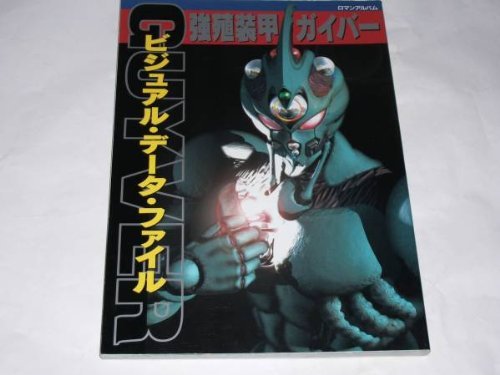
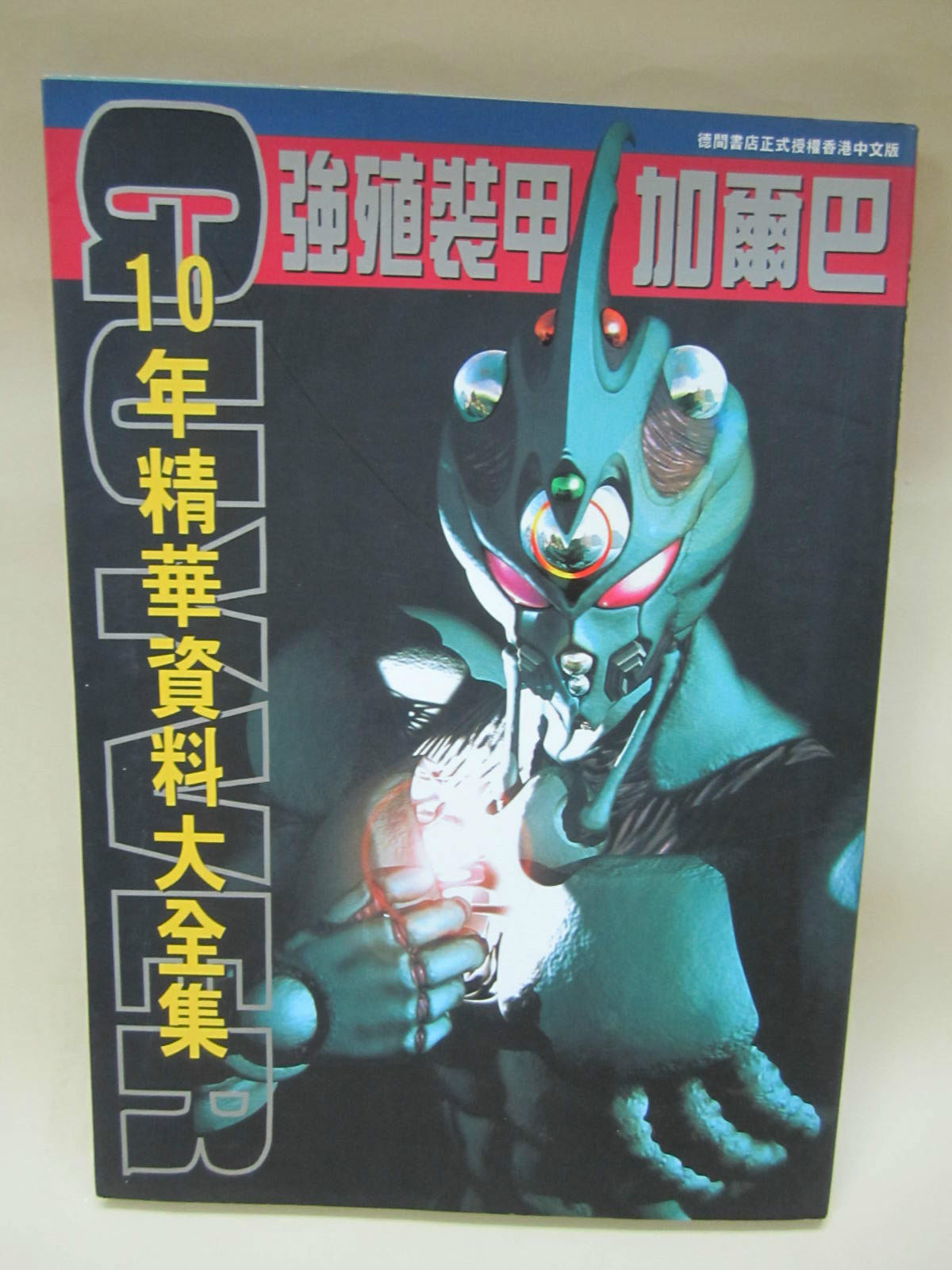
  3. The banner on the homepage of WarriorGuyver.com has artwork of the live action version of Guyver I. If anyone (particularly the person who put the banner together) can e-mail me or post that artwork separate from the banner and any other similar live action artwork from either movies then I would be VERY appreciative! If anyone can tell me what that artwork comes from (movie guide books, movie model kit boxes/inserts, etc.) then that would be great too!
Account

Navigation

Search

Search

Configure browser push notifications

Chrome (Android)
  1. Tap the lock icon next to the address bar.
  2. Tap Permissions → Notifications.
  3. Adjust your preference.
Chrome (Desktop)
  1. Click the padlock icon in the address bar.
  2. Select Site settings.
  3. Find Notifications and adjust your preference.