Skip to content
View in the app

A better way to browse. Learn more.

Japan Legend / Guyver Forum

A full-screen app on your home screen with push notifications, badges and more.

To install this app on iOS and iPadOS
  1. Tap the Share icon in Safari
  2. Scroll the menu and tap Add to Home Screen.
  3. Tap Add in the top-right corner.
To install this app on Android
  1. Tap the 3-dot menu (⋮) in the top-right corner of the browser.
  2. Tap Add to Home screen or Install app.
  3. Confirm by tapping Install.

Ladena

Member+
  • Joined

  • Last visited

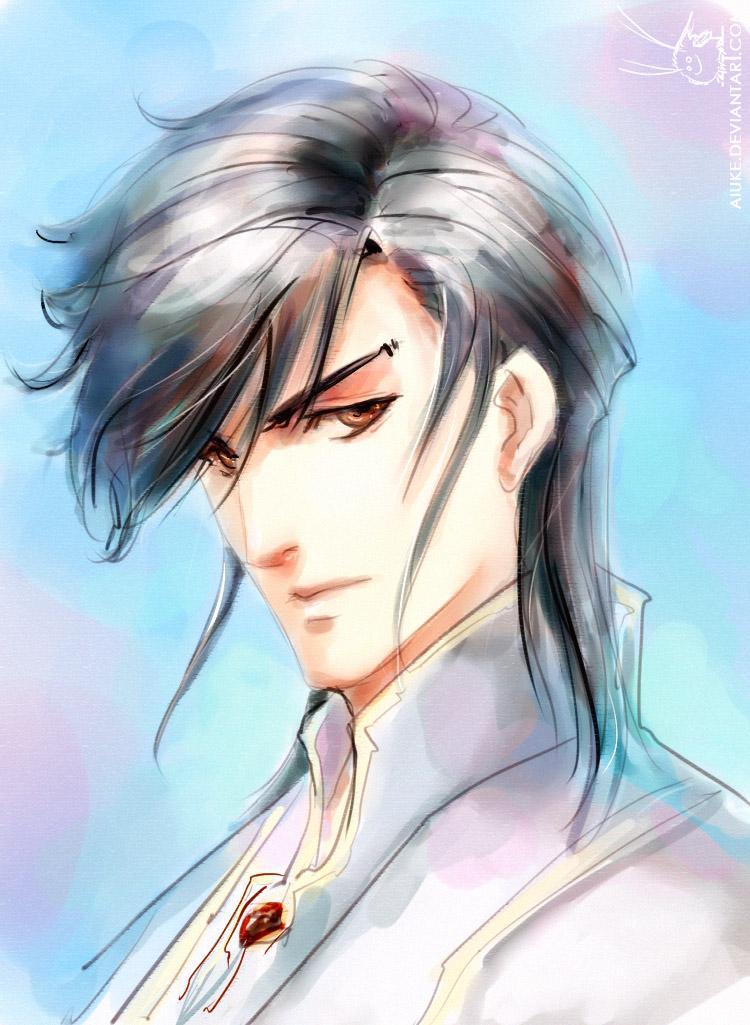
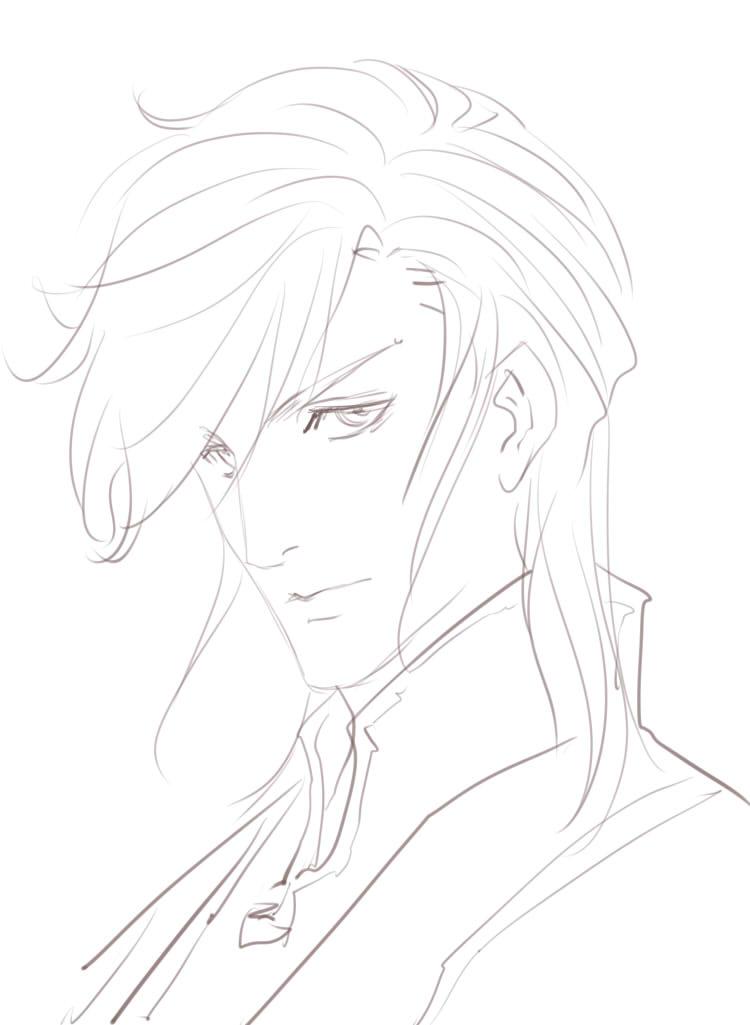
  1. another pic and lineart to this pic
  2. cos of very nice poker face
  3. Aw, thank again! *hugs* And here lil doodle for it

  4. it wasn't difficult
  5. AW! You're fabulous! I'm sooo waiting for continuation! As well as Fox
  6. Congrats! It was AWESOME ang GREAT! Really ^^ hm, I'll ask her permission ^____________^
  7. You're so welcome! Oh, I see But it really big fanfic and even it should be finished in one day Another piece:
  8. JT, thank you again ^^ I wonder, though, how many chapters will take it to the end? 1 or 2? Er, I guess, for drawing the One right, I need to see rough sketch/doodle of him - to understand all his features and details
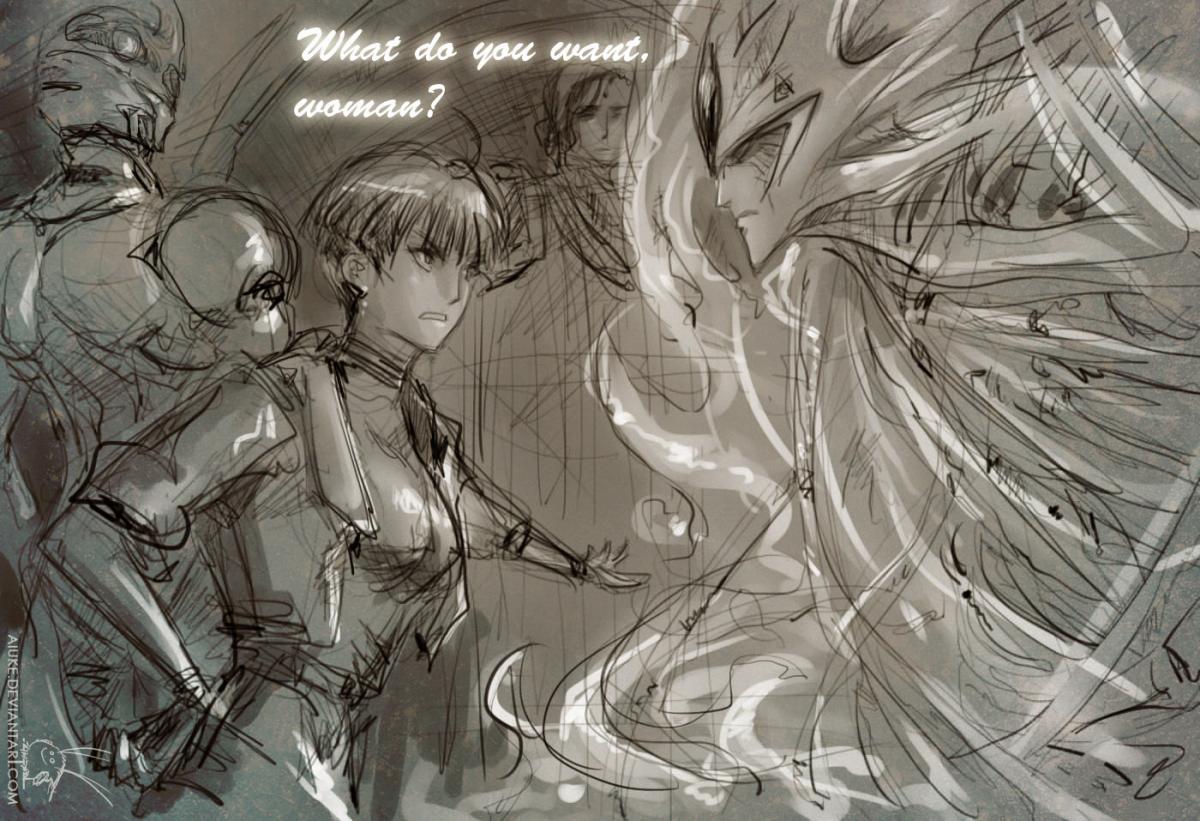
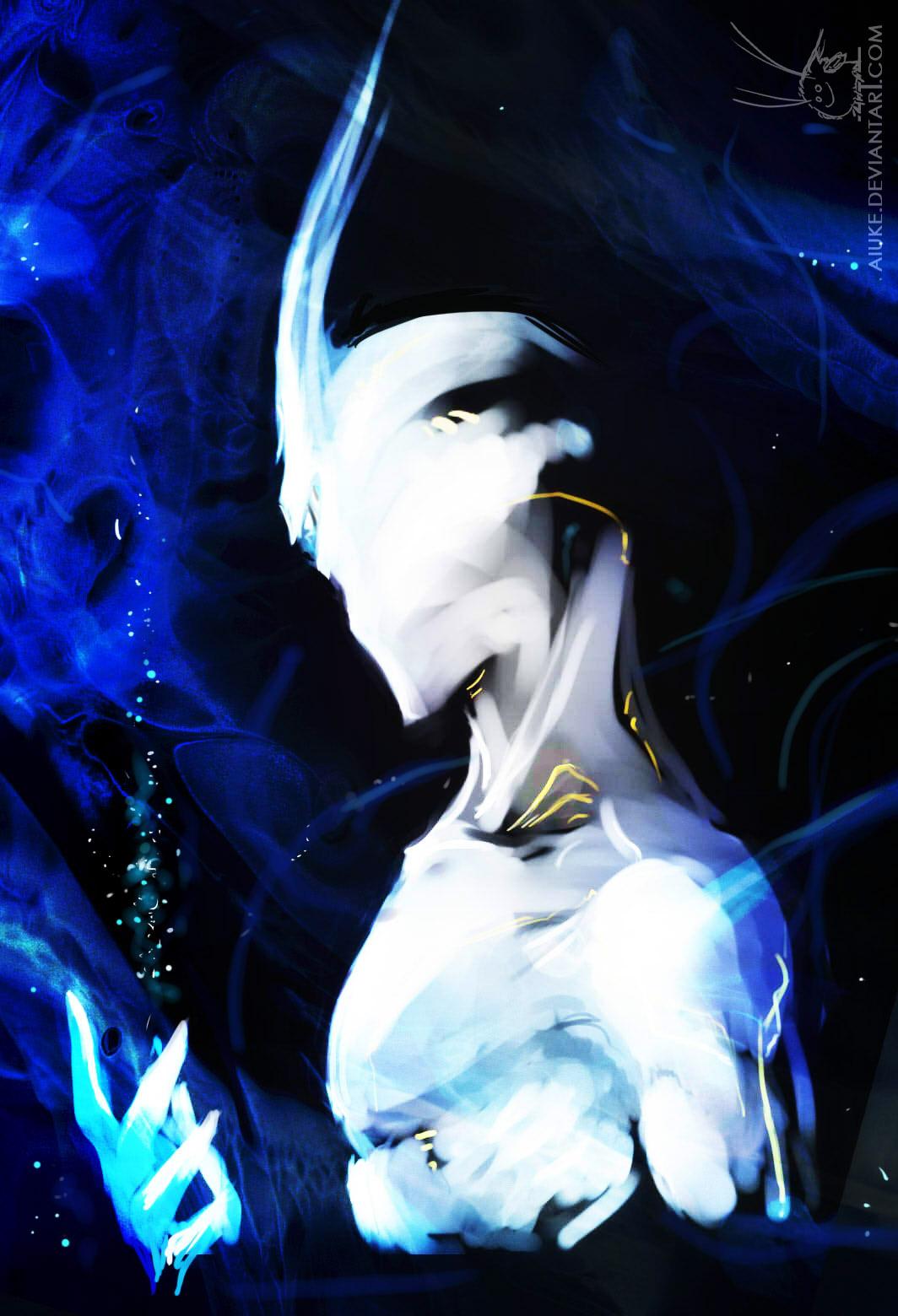
  9. Thanks. I think, he does - my bad, I was too afraid to taint his whiteness well, after rereading the chapter with his description I understood my other mistake - he should have eyes >.< (but, to be honest, I prefer him this way, though it's incorrect ) And yes - JT makes very impressive work with this Universe
  10. You're really awesome writer, I absolutely love your work So, I did a pic for you and your Guyver Universe My version of the One ^^ Feel free to comment... but I know people probably won't. It's kinda sad that you think so BTW, my bets are still on Sho
  11. Ladena replied to Cannibal's topic in Guyver
    Awww! thanks! Sho is soooo cute and sweet Er, and with each new chapter he looks more and more girlish I don't mind, though
  12. That's TRUE :)Great rule #34...

Account

Navigation

Search

Search

Configure browser push notifications

Chrome (Android)
  1. Tap the lock icon next to the address bar.
  2. Tap Permissions → Notifications.
  3. Adjust your preference.
Chrome (Desktop)
  1. Click the padlock icon in the address bar.
  2. Select Site settings.
  3. Find Notifications and adjust your preference.