Leaderboard
-

guyversudo
*VIP member1Points172Posts -
Amika
Member++1Points40Posts -
Cannibal
Member++1Points763Posts



Popular Content
Showing content with the highest reputation on 12/30/2014 in Posts
-
1 pointNew chapter is out and it contains 12 pages. Chinese scanlate: download: mediafire.com/?yy309nticyos88e mirror: dvusrachek.rusfolder.net/42646630 Title page scan: http://s013.radikal.ru/i324/1412/7f/2f02fc4446cd.jpg1 point
-
1 pointshe said "she heard about the rumours of gigantic guyver, if she would want to fight with guyver I means she would have to find a way to defeat the monster gigantic guyver, but no matter what, she promise she will defeat guyver I"1 point
-
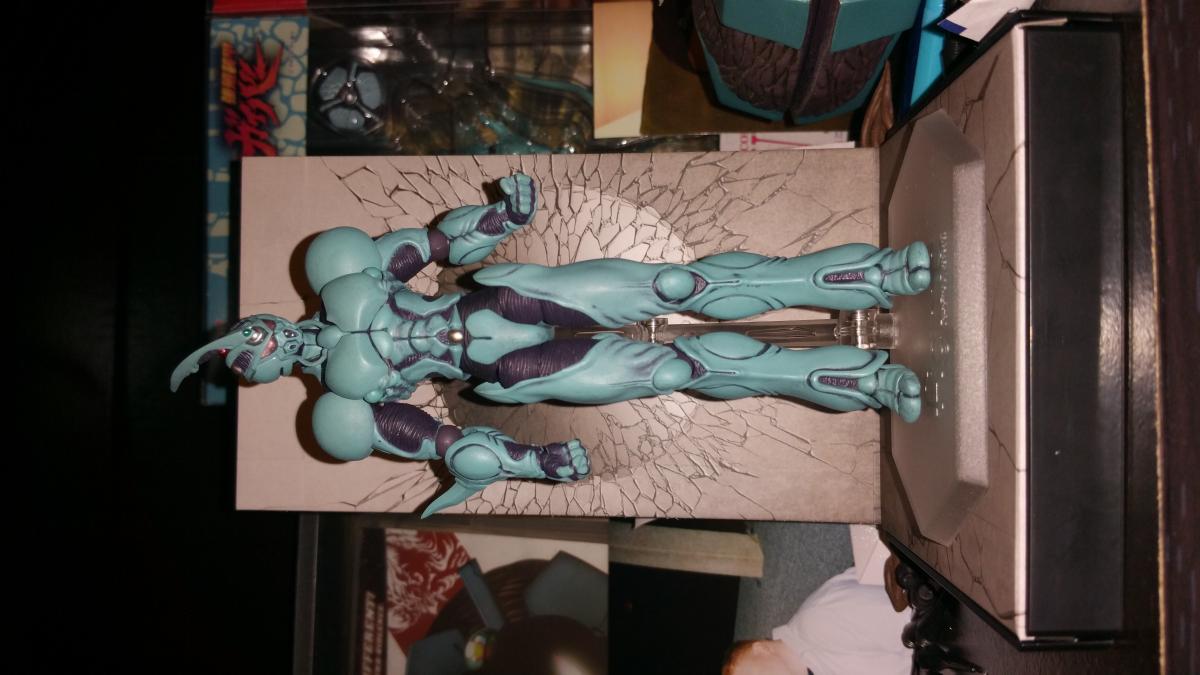
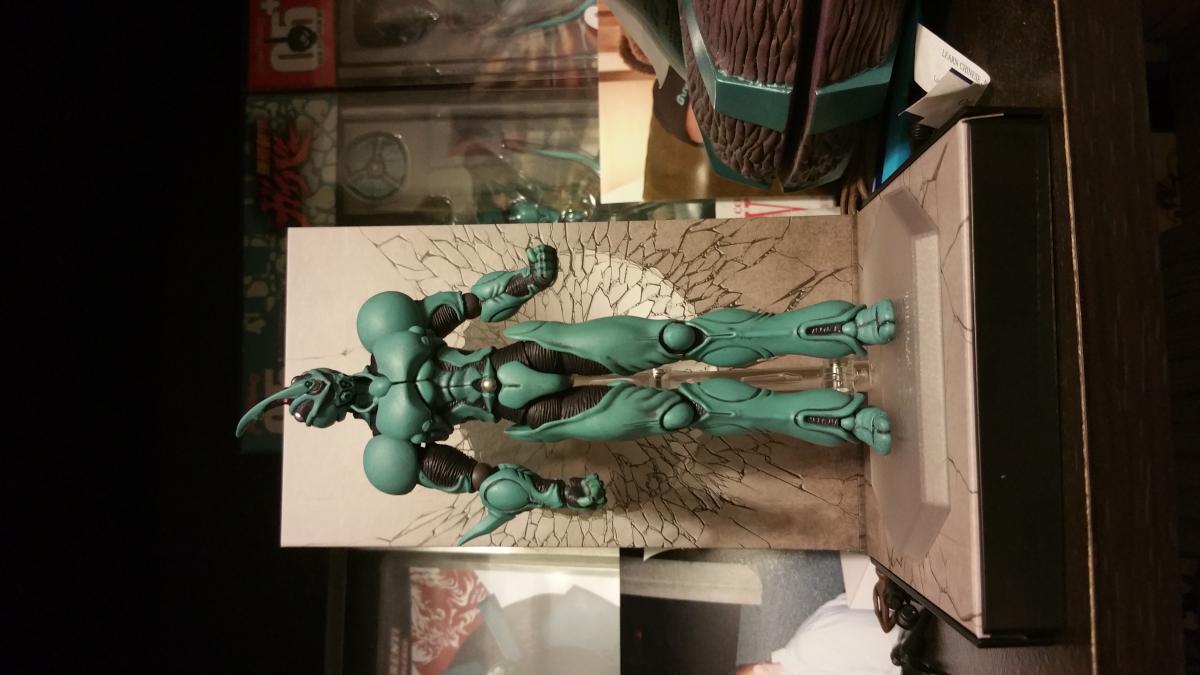
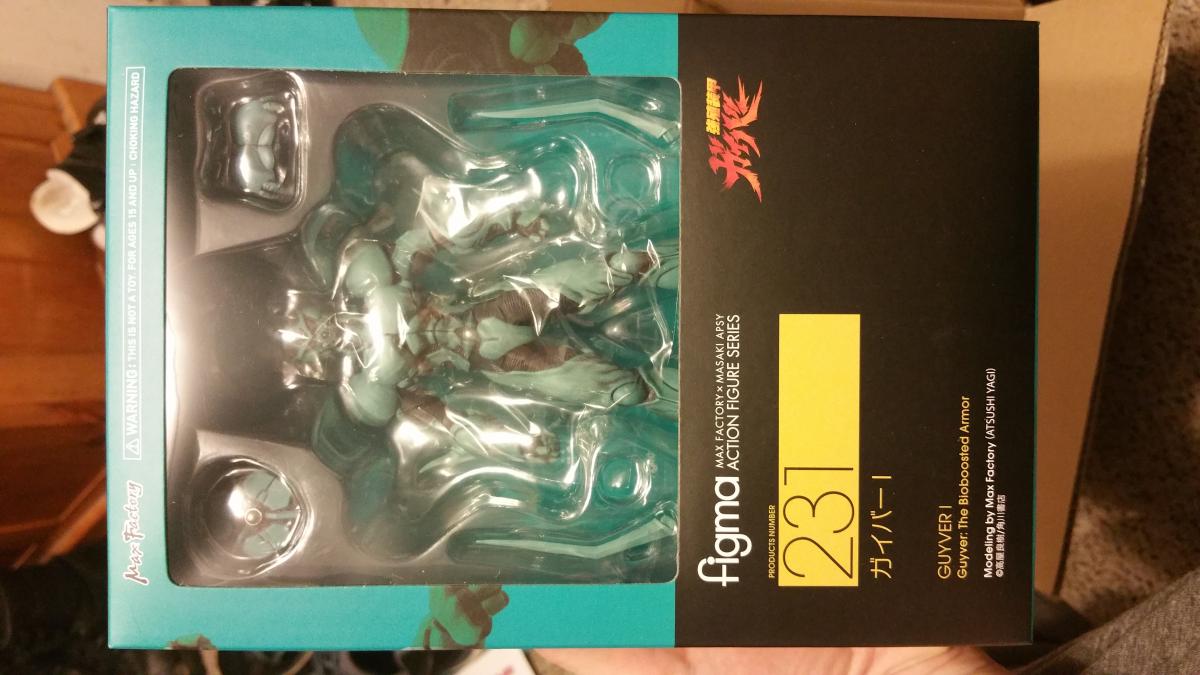
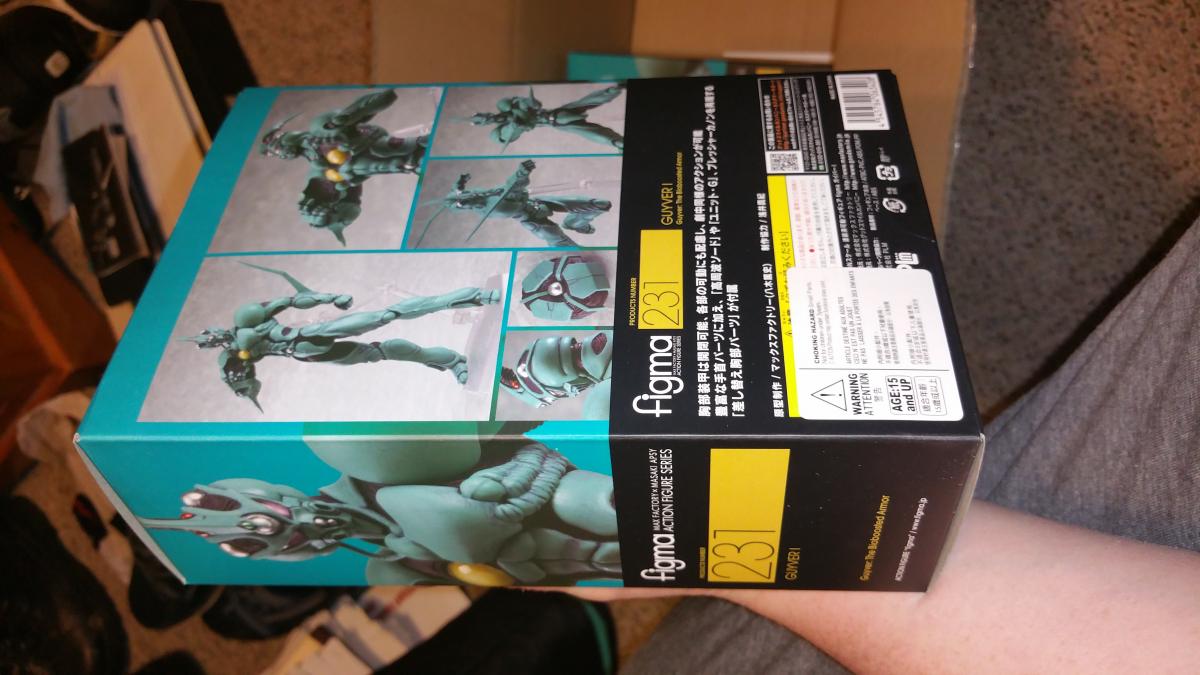
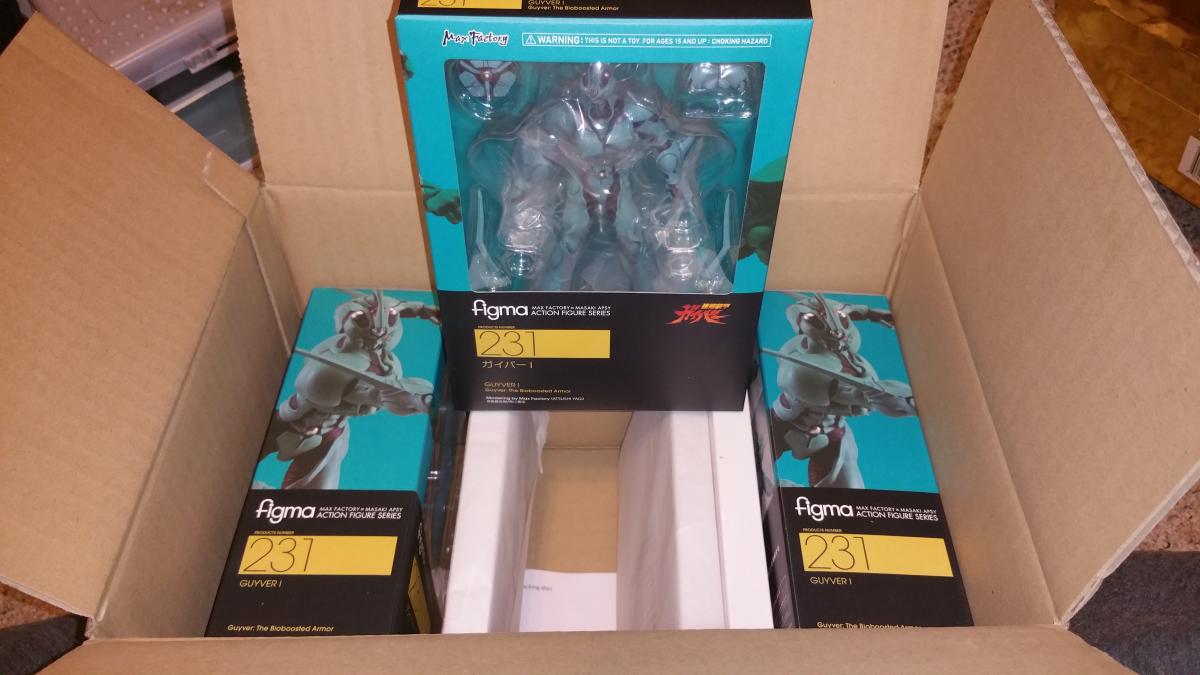
1 pointHalf my preorder came in and its not even Christmas yet. Sweet...




 1 point