Leaderboard




Popular Content
Showing content with the highest reputation on 07/30/2014 in Posts
-
1 pointand WWWOOOOOHHHHOOOOO, preorders have just opened and just put mine in, i'm excited now.1 point
-
1 pointhttp://www.taghobby.com/1-0/1-3/goodsmile-2014%e5%b9%b47%e6%9c%8830%e6%97%a5%e8%b5%b7%e6%8e%a5%e5%8f%97%e8%a8%82%e8%b3%bc%ef%bc%8c2014%e5%b9%b411%e6%9c%88%e6%b4%be%e8%b2%a8-figma-%e3%80%8e%e5%bc%b7%e6%ae%96%e8%a3%9d%e7%94%b2/ http://www.taghobby.com/1-0/1-3/maxfactory-2014%e5%b9%b411%e6%9c%88%e7%99%bc%e5%94%ae-figma-%e3%80%8e%e5%bc%b7%e6%ae%96%e8%a3%9d%e7%94%b2-%e5%8a%a0%e7%88%be%e5%b7%b4%e3%80%8f%e5%8a%a0%e7%88%be%e5%b7%b4-5200yen%e9%80%a3%e7%a8%85/ Official pics and they are doing a Di:stage for it. Oh also looks like pre-orders go up July/30 i.e. Tomorrow.1 point
-
1 pointMy favourite DBZ films have to be Bardock: The Father of Goku, The Dead Zone, Tree of Might, Broly: Legendary Super Saiyan and Fusion Reborn (because Janemba rules). I watched the subbed Battle of Gods while I was in Europe last year and I enjoyed it. It was great seeing them all again, especially with the modern style of animation.1 point
-
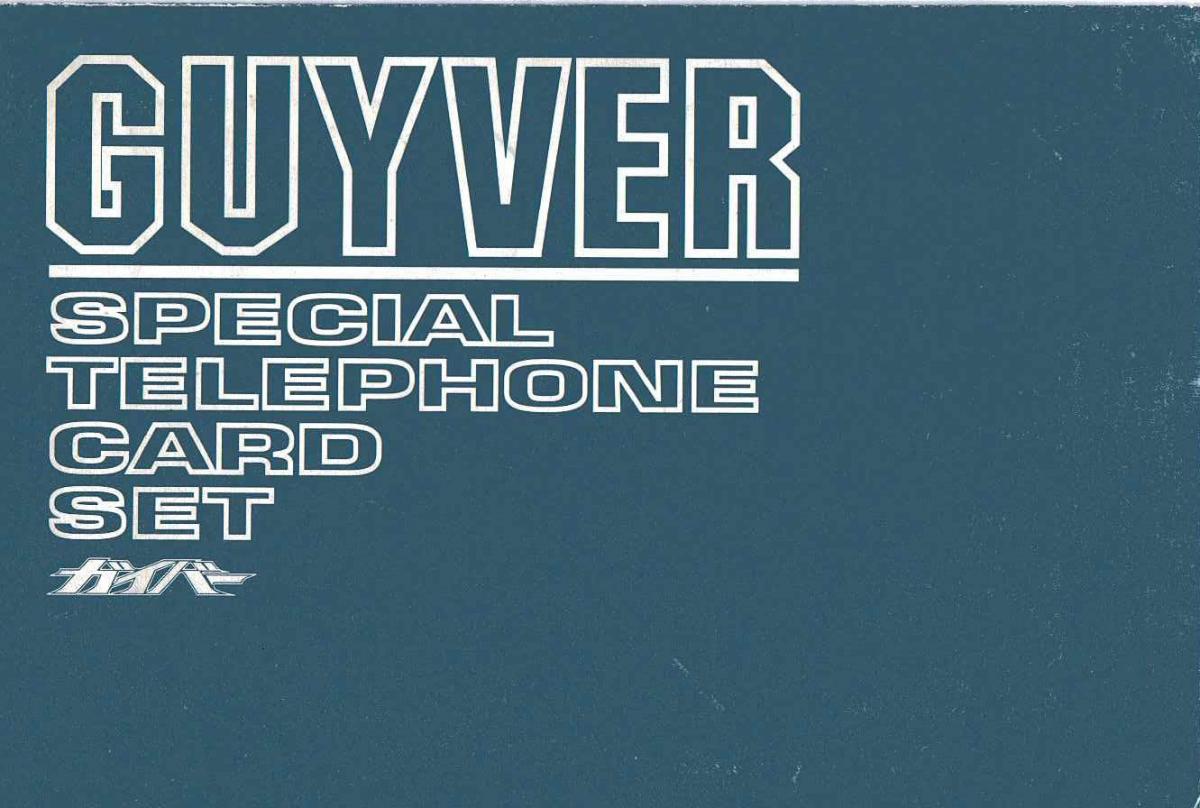
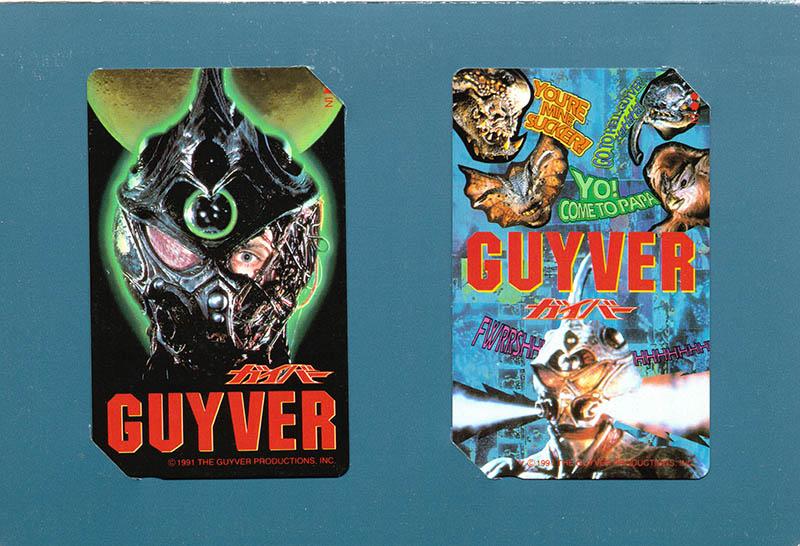
1 pointbought my first set of guyver telephone cards from japan got them fairly cheap just a little item to add to my collection. might add these to the guyver wiki page. anybody want bigger picture please pm me.

 1 point