Leaderboard
-
guyverfan
*VIP member1Points596Posts -
MoogleEspada
Member1Points4Posts


Popular Content
Showing content with the highest reputation on 07/13/2013 in Posts
-
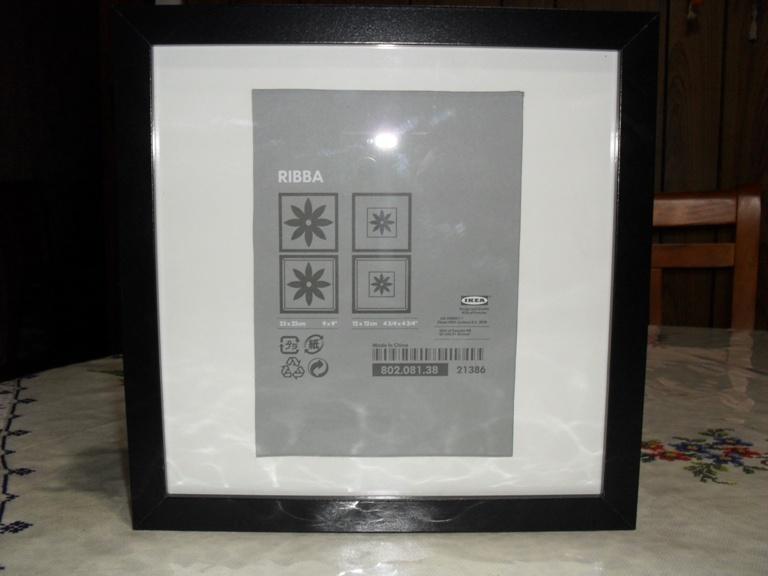
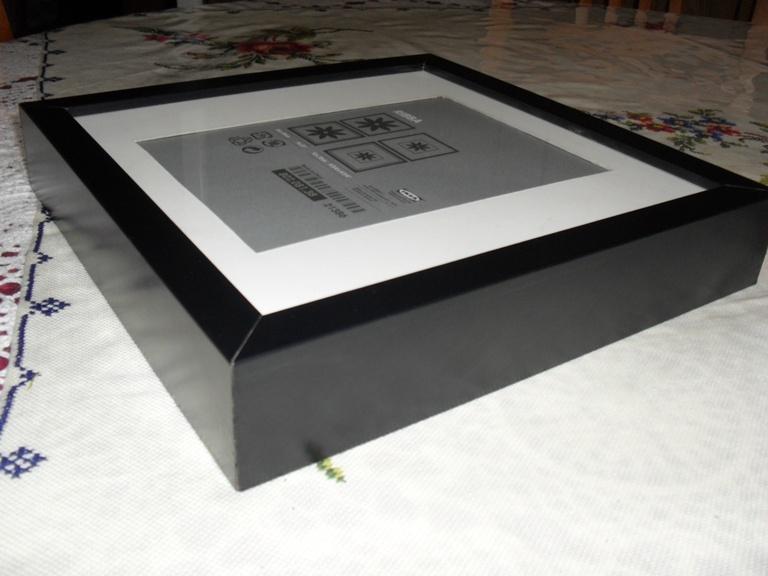
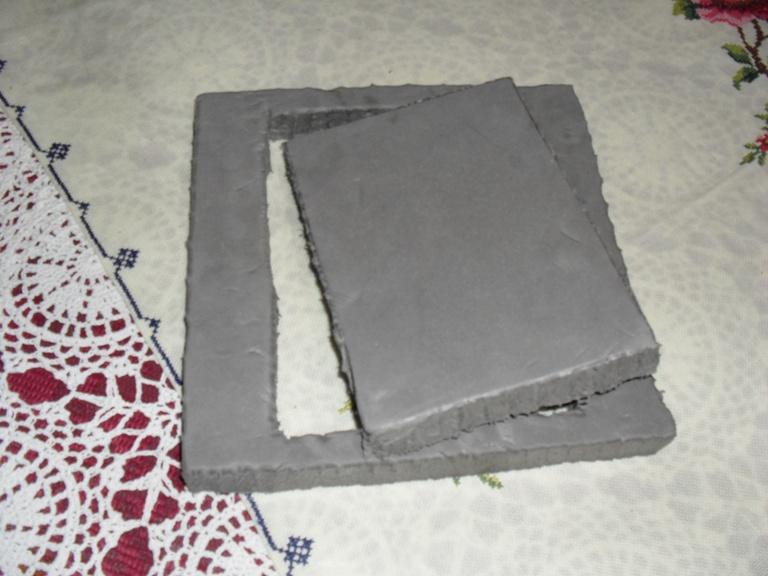
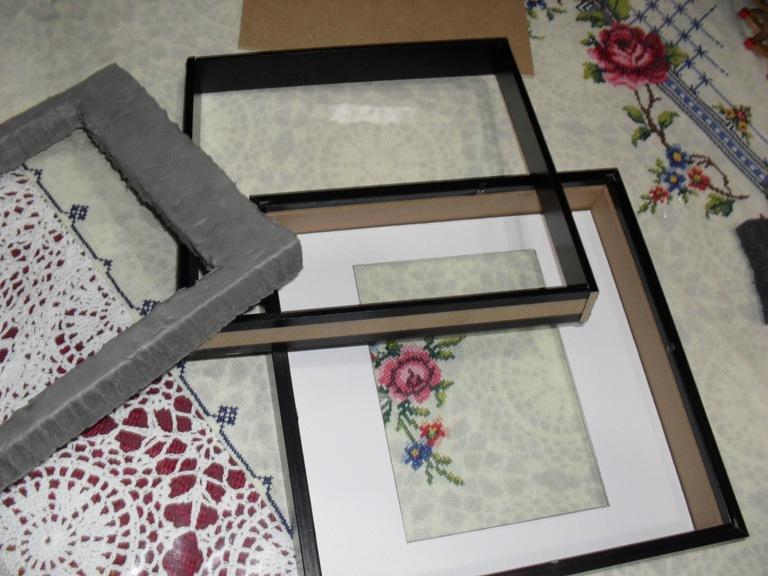
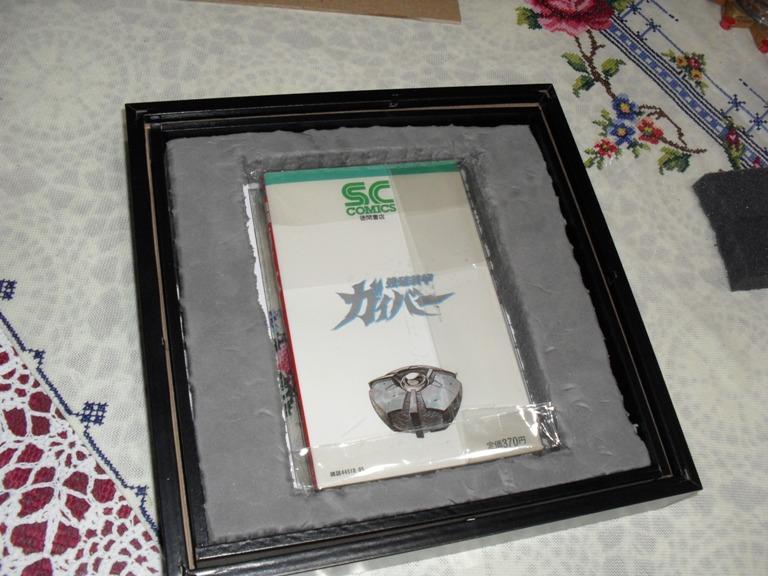
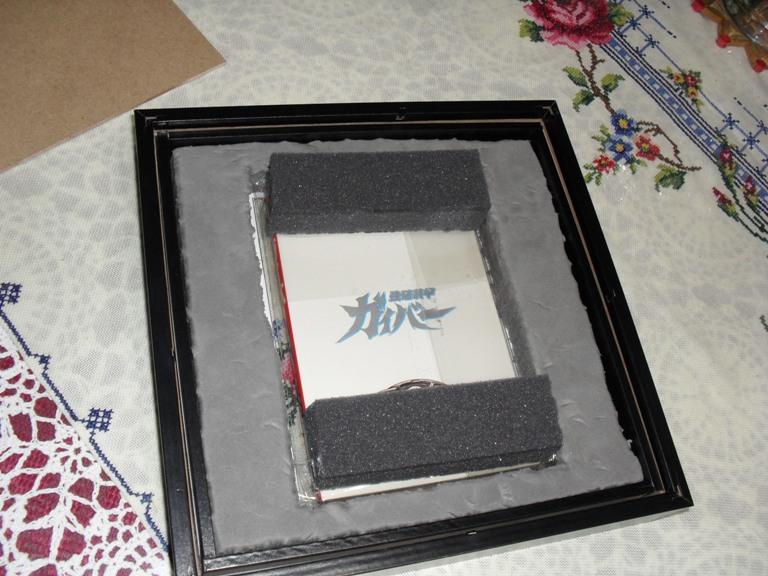
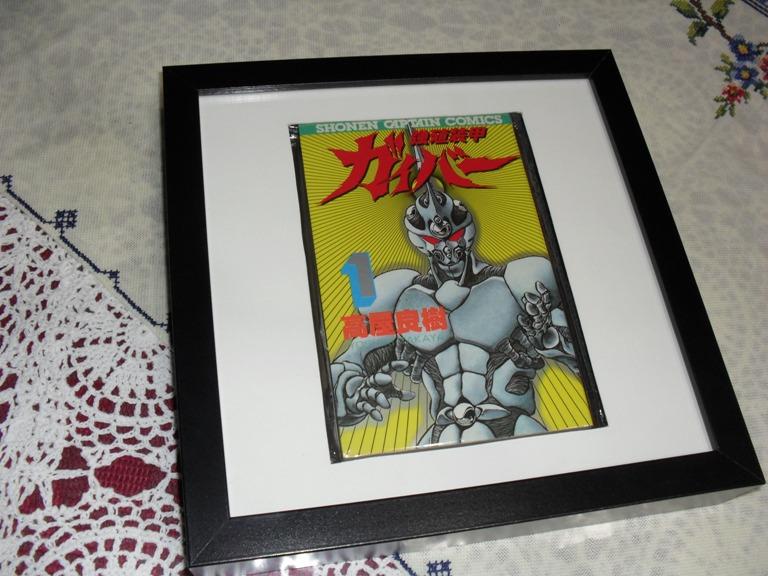
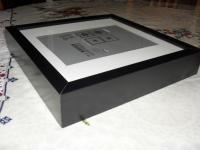
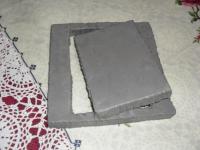
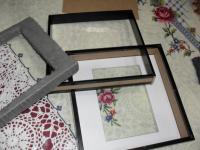
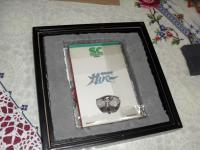
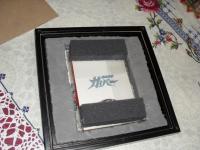
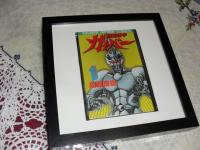
1 pointwell, it came time to replace the sleeves i have my comic books in since i took delivery of some new mylar sleeves. and for a long time been thinking about making a display/frame to show off these guyver comics on a wall or shelf somewhere. everyone knows these tanks are pretty thick and the norm i've found has been to make or buy a clear perspex case. which i probably would of done if ikea didn't open a store in my state just a couple of years ago and found these picture frames that they sell. just measure and cut out the diplay border to fit. add and cut some closed cell foam which is moisture resistant for surround and rear support. and thats it! hang on a wall or place upright on a shelf. (thats one done, afew more to go!)
 1 point
 -
1 pointHiya! 13 Was interesting, I really really loved the battle system in that one. I tend to like the older ones better though, 4's my favorite, I finished the new anime before the old one. Actually I had sat aside Guyver for a long time and saw a scene with Alkanphel that made me wanna pick it back up. I was yelling at my Tv at how it ended. Didn't know at the time there were translated scans. You guys may have saved a small part of my sanity.1 point